
Tutorials
Growth Services Guide: Packages, Quantities and Order Tracking
Compare growth service packages with exact-quantity console orders. Follow the ordering steps, check quantity limits and target URLs, and track your order.
Browse Telegram growth services and compare the stated service type, quantity limits, speed and refill conditions. Check each listing for price, specifications and delivery requirements.
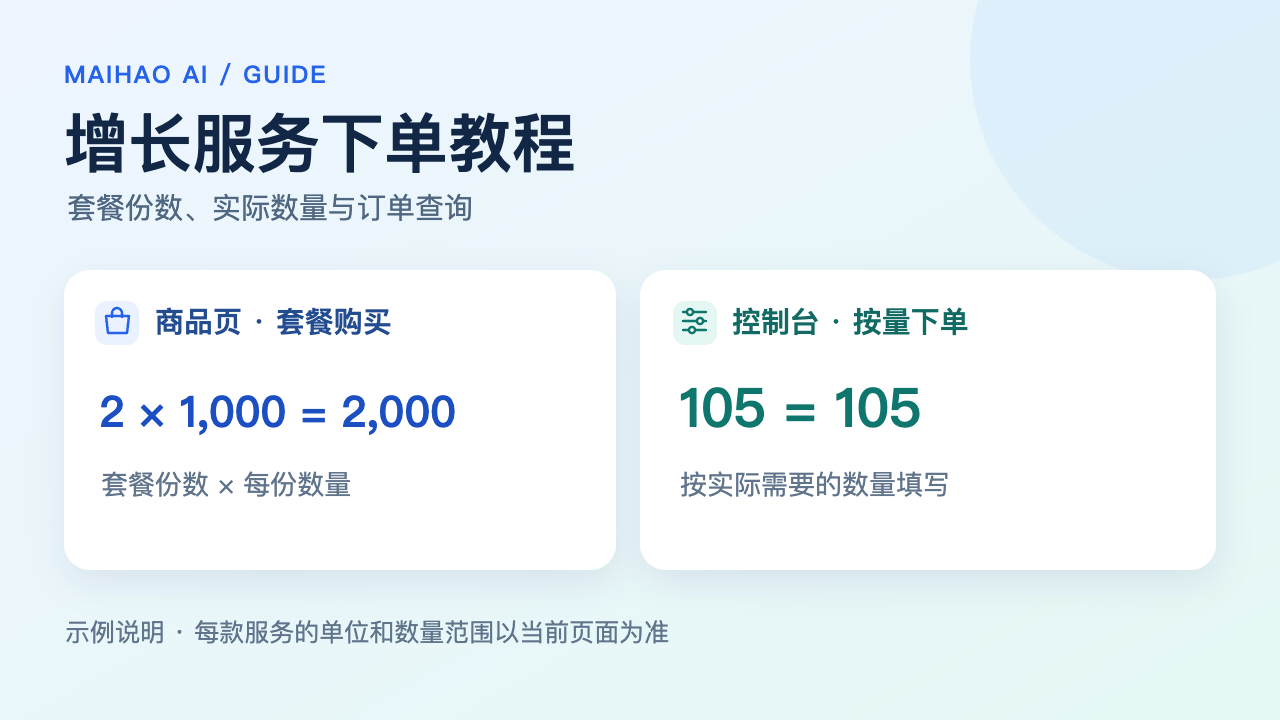
Identify whether the service targets members, post views or interactions. Then check the quantity per package, target URL, start time and refill conditions. Package count and actual service quantity are different units.
| What to check | What it means |
|---|---|
| Service target | Check whether the target is a channel, group or individual post. Use the URL format required by the selected listing. |
| Package quantity and unit | The product page sells packages. Read the selected specification to find how many members, views or other units each package contains. |
| Start time and processing speed | Start time is not completion time. Check the listing for speed, duration and the scope of processing. |
| Refill and cancellation | Check refill periods, eligibility and cancellation separately for each service. Do not assume an option is included when it is not stated. |
No. One package means one unit of the selected package. The specification defines how many members, views or other service units it contains.
Use the target type specified by the listing. Channel or group services and individual-post services can require different links.
No. The listing and order define the refill period, conditions and scope. A non-refill service does not inherit another service’s support terms.
Use the order lookup associated with your purchase. Payment and service completion are separate states. Keep the order number when requesting a target or quantity check.