
Tutorials
ChatGPT Plus / Pro CDK Top-Up Guide: Redemption and Activation Checks
Follow the ChatGPT Plus / Pro CDK top-up steps: check your account, verify redemption details, handle Session safely and confirm activation.
Browse ChatGPT recharge products and compare plans, validity, eligible regions and delivery methods. Check account eligibility and each product’s usage and support terms.
Confirm the target account, plan, validity and eligible region before choosing a delivery method. Self-service codes, manual processing and ready-to-use accounts can follow different procedures; use the instructions for your specific listing.
| What to check | What it means |
|---|---|
| Plan and validity | Read the plan name, subscription period and activation conditions. Do not infer features from the price or an abbreviated title. |
| Account and subscription status | Confirm the email signed in to the browser and check existing subscriptions, workspaces and eligibility against the listing. |
| Region and delivery method | Check eligible regions, currency and whether delivery is self-service or manual. Use the redemption address provided with the order. |
| Activation checks and support | After payment, check delivery and redemption status, then verify the plan in the target account. Support periods depend on the selected listing. |
Read the selected listing’s eligibility conditions first. Requirements for existing subscriptions, expiry and personal accounts can differ between plans.
Self-service codes use the redemption flow specified in the order. Manual processing follows its own submission and handling instructions. Verify the delivery method before ordering.
Not necessarily. Payment, delivery and redemption are separate steps. Verify the redemption result and the subscription status in the target account.
Check the original order and redemption task first. Keep the order number and an error description without credentials. Ask order support to clarify the status before purchasing again.
Follow the ChatGPT Plus / Pro CDK top-up steps: check your account, verify redemption details, handle Session safely and confirm activation.
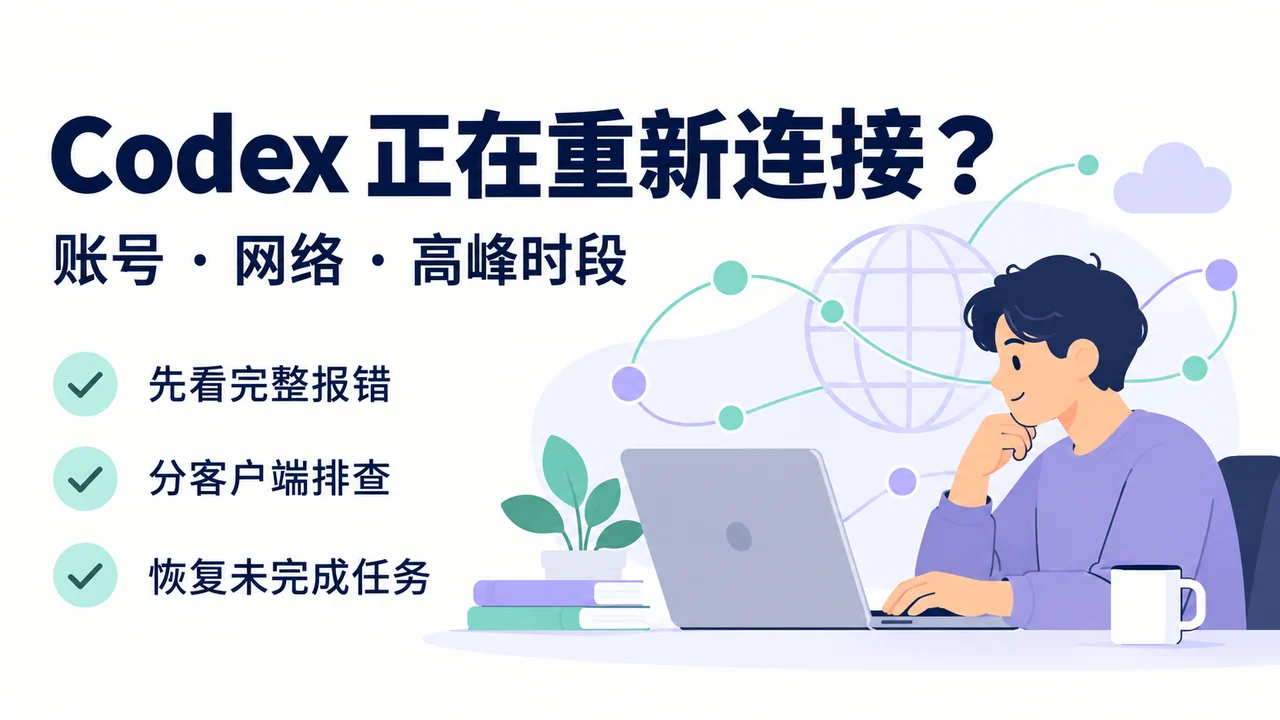
Codex stuck reconnecting at 1/5–5/5? Check account access, error codes and network settings, with desktop, VS Code and CLI steps to resume work.