
Details
Muse Ready-to-Use Account with 1 Billion Tokens | Purchase and Usage Guide
Our Muse store has been operating for a long time. Returning customers are welcome to purchase again. First-login warranty included!
⚠️ Important: If there is any problem with the account, contact QQ customer support immediately. Otherwise, warranty and after-sales support will not be provided.
1. Product Information
Product type: A ready-to-use Muse account with 1 billion token credits.
Account feature: The linked email address can be changed.
Included: Account login and password.
Delivery: Manual delivery. Please wait for processing after payment.
Warranty: Covers the first login only. Warranty ends after the first successful login.
Quantity: You will receive one account for each unit purchased.
2. Login and Usage Instructions
After payment, wait for manual processing. Once the order has been fulfilled, retrieve the supplied account login and password.
Use a stable proxy with all traffic routed through it, and check the IP address's reputation beforehand.
Use your browser's private or incognito mode to help prevent cached data from interfering.
Open the official Muse website and log in with the supplied account credentials.
If an email verification code is required, follow the detailed tutorial provided after purchase.
Note: A poor IP reputation may prevent verification codes from arriving. Switch to a stable IP if needed. After requesting a code, wait a moment and avoid repeated requests.
3. Important Notes — Please Read Carefully Three Times
1. Changing the Account Password
Log in and use the account directly after receiving the credentials. We recommend waiting 7 days before changing the account password. Changing it earlier may trigger account security checks and prevent normal use.
2. Changing the Email Address
The linked email address can be changed. Follow the tutorial provided after purchase. Avoid changing account information repeatedly in a short period, as this may trigger the platform's security controls.
3. Credit Validity
The credits come from referral rewards and normally do not expire. If Muse changes its credit policy or expiry rules, its latest official announcements apply.
We recommend using the credits promptly after purchase to avoid losses caused by policy changes.
4. Warranty and After-Sales Support
The warranty covers the first login only. It ends after the first successful login.
If you encounter a problem on your first login, contact support immediately and provide your order number.
Problems caused by actions taken without consulting support are not covered.
After a successful login, you may contact support to discuss usage issues, but no additional warranty or replacement will be provided.
4. Before You Buy
⚠️ Reminder: Contact support first if there is a problem. Otherwise, warranty and after-sales support will not be provided.
Account use may be affected by the platform's security controls and policy changes. Long-term stable use and permanent credit validity are not guaranteed.
Read the information above carefully and place an order only after accepting the first-login warranty terms.
Related Articles

Muse Ready-to-Use Account: Change Your Login Email
For Muse accounts that allow email changes: check delivery first, verify a new address, set it as default and remove the old one. Report issues promptly.
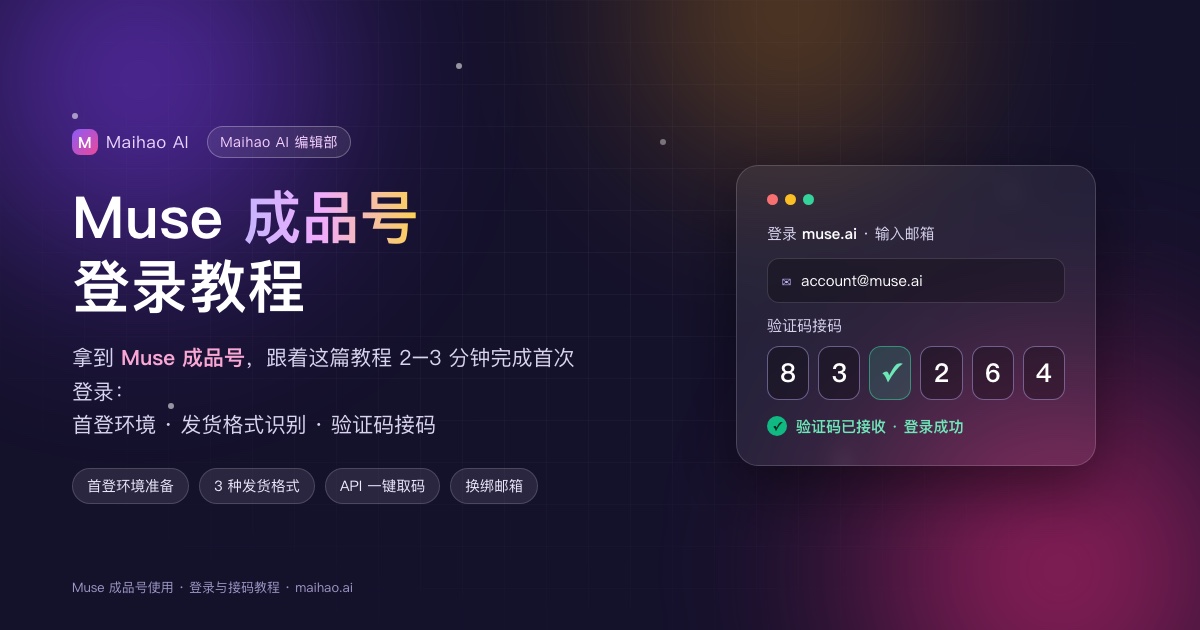
Muse Ready-to-Use Account Login Guide: Setup, Delivery Formats and Verification Codes
Check Muse account delivery formats, retrieve login codes and inspect the account. Change details step by step only when your order explicitly permits it.

Muse Unlinked: Support Tickets, 403 Errors and Email Help
Muse unlinked? Follow the support-ticket steps, choose a reply email, use an English appeal template, troubleshoot 403 errors and review regional access.